Animation

Focus.io

Play video
Animation Course by School of Motion

Advanced Motion Methods

This one is FocusIO.
The video explains how to eliminate all distractions while working in three simple steps. The first part is animated by our teacher, Sander. We have to structure the whole video with the same design language that he uses and provides. This assignment is based on match cuts transitions. Match cuts are a cut from one shot to another where the two scenes are matched by the action or subject and subject matter.

Style frames

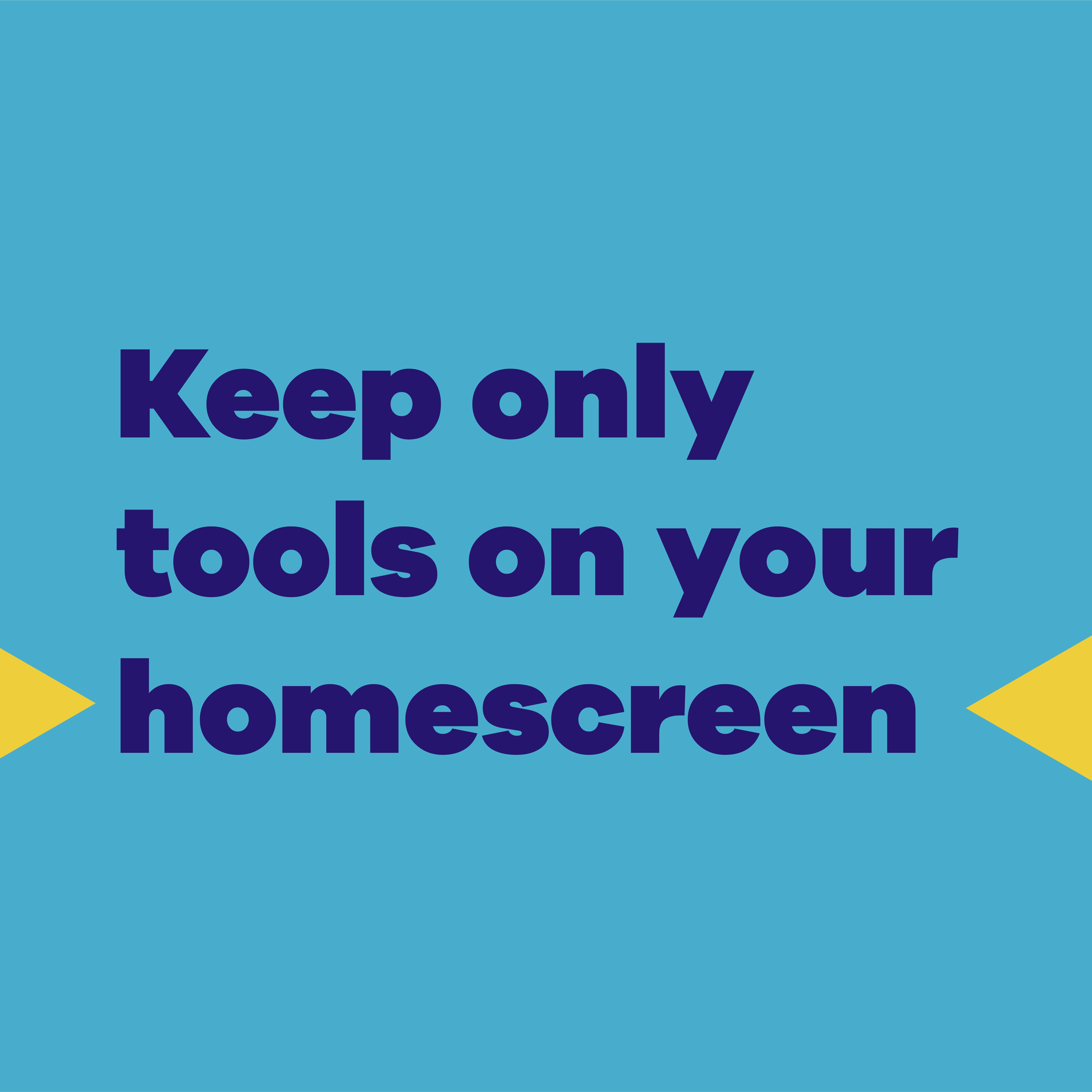
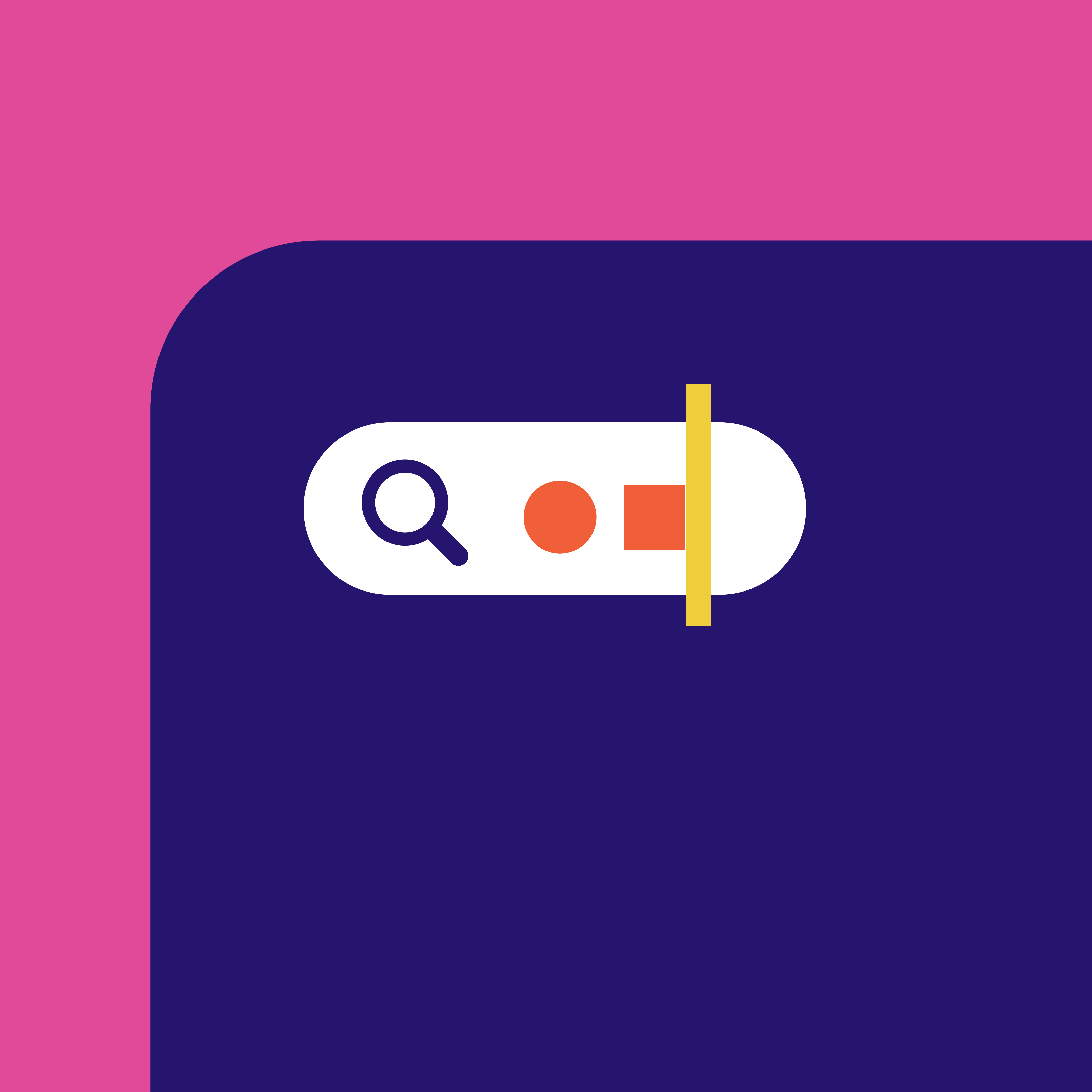
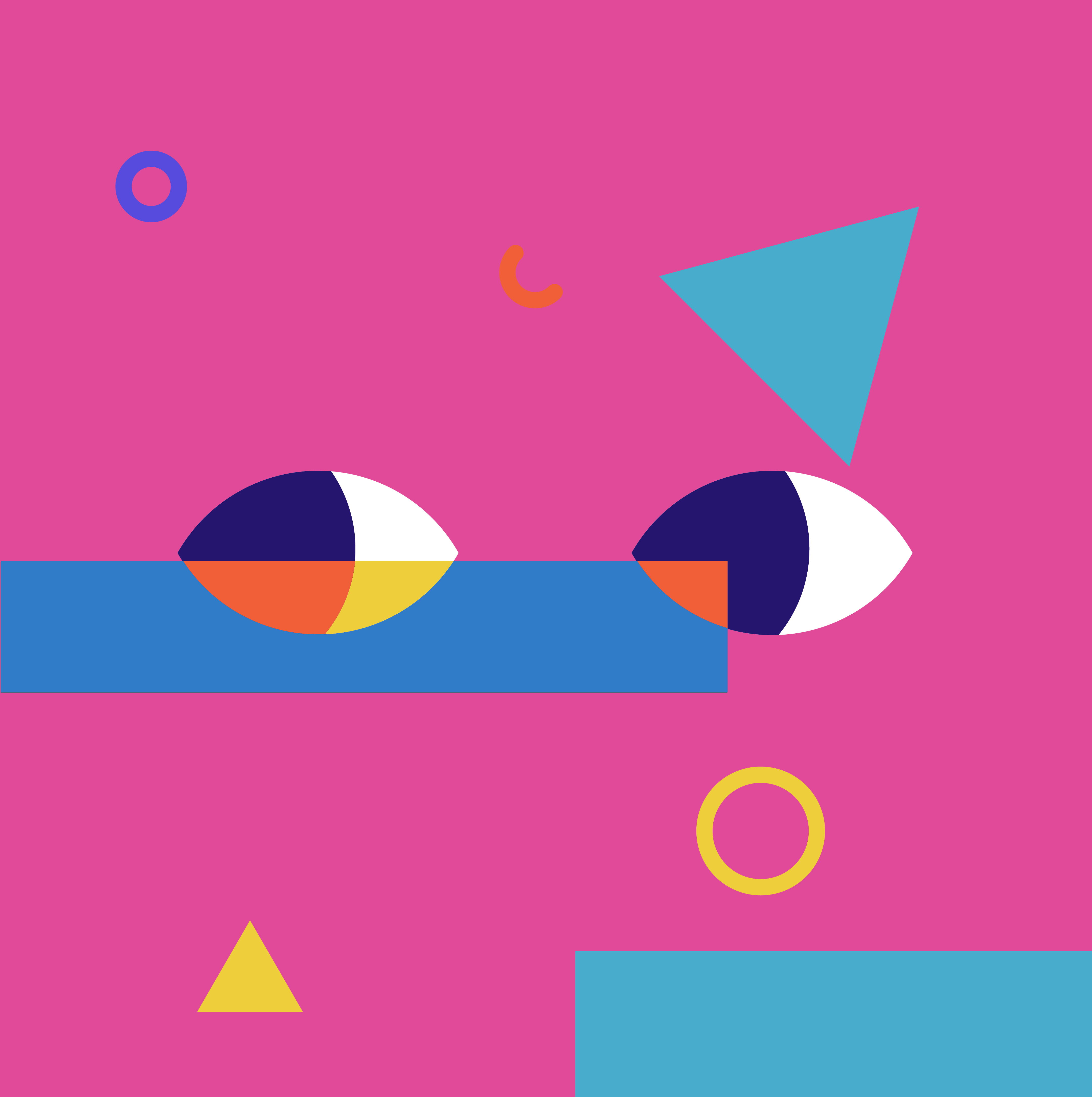
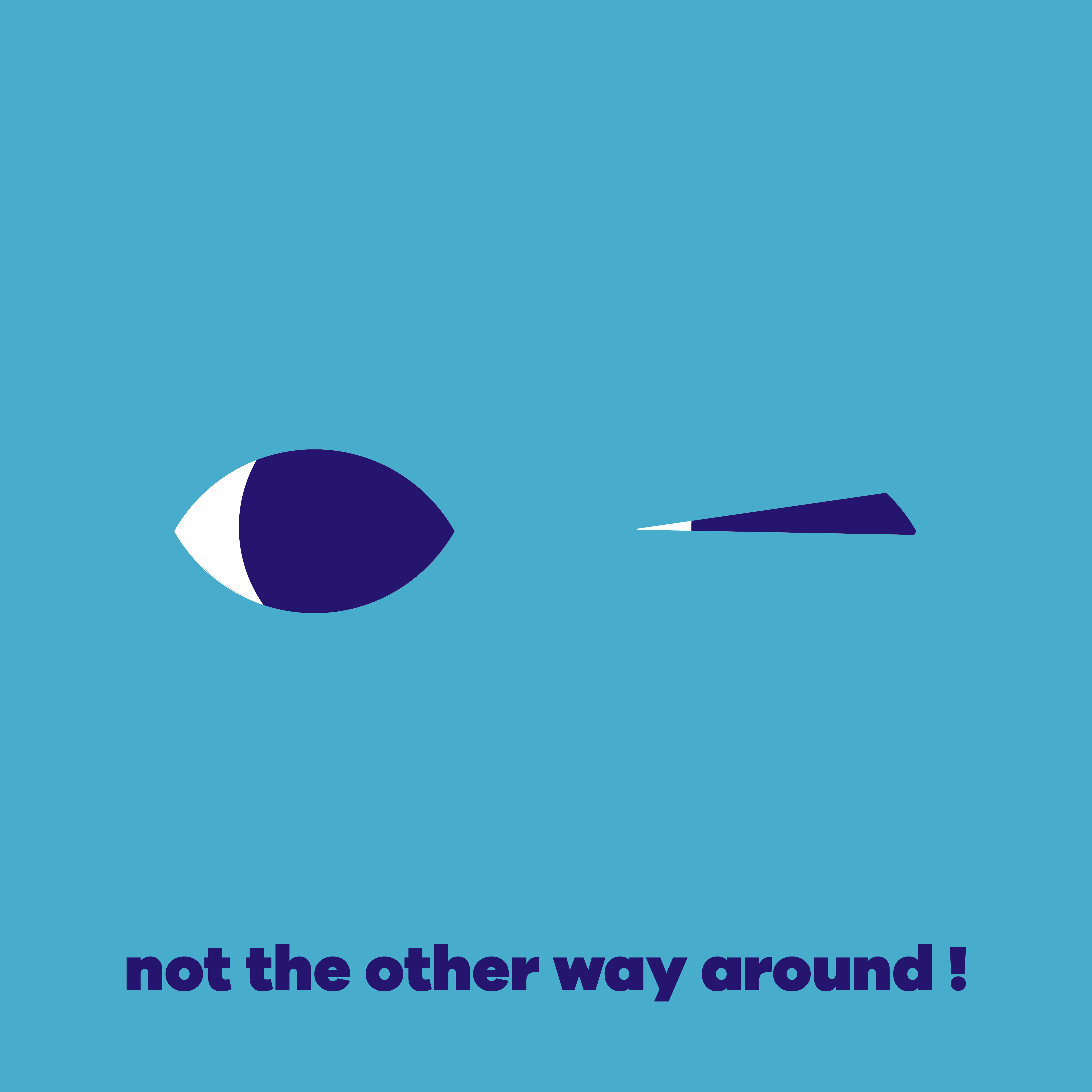
These boards are designed by Illo, and we have to animate only the following ones. You'll see more style frames in the video linked above, but I included only the parts I've worked on.
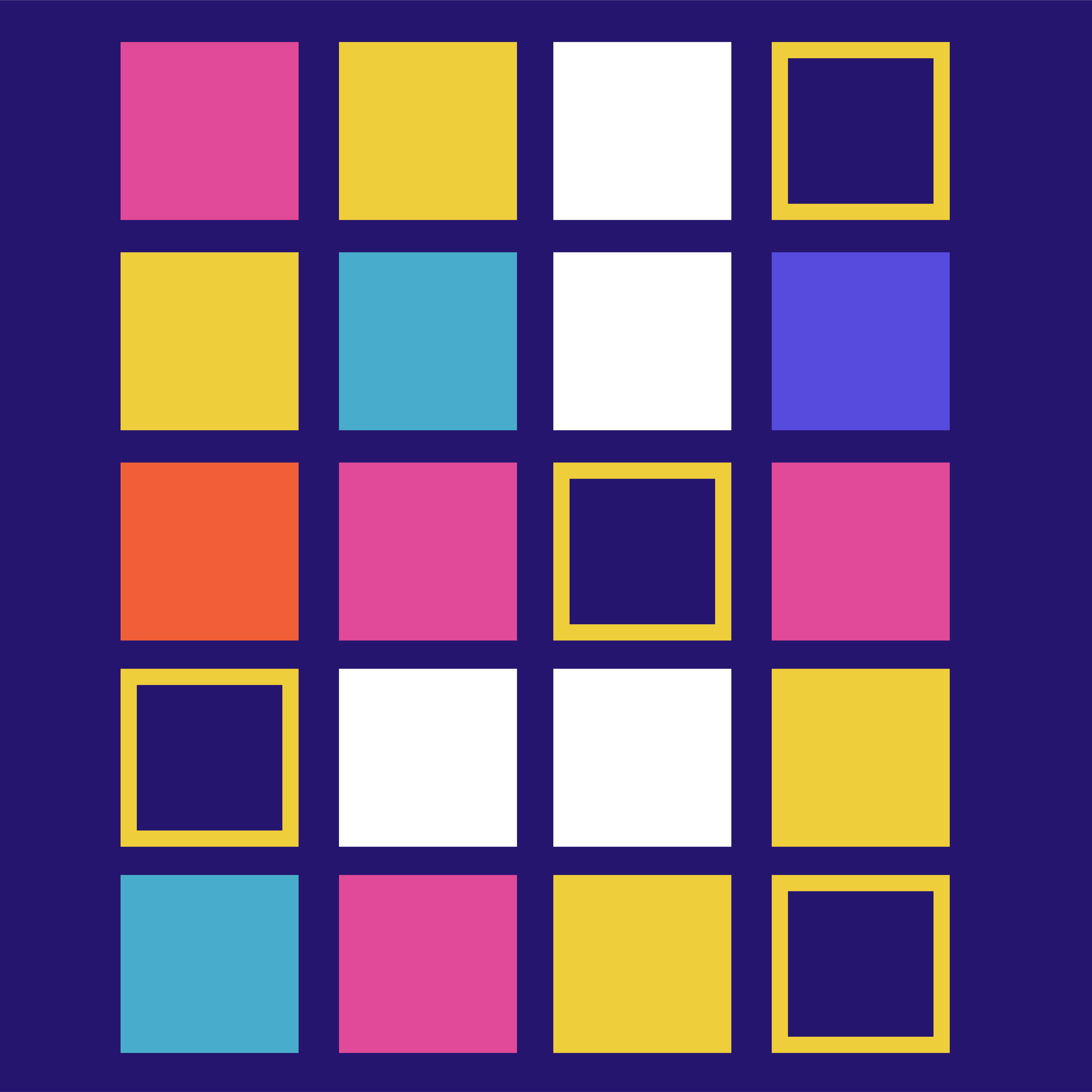
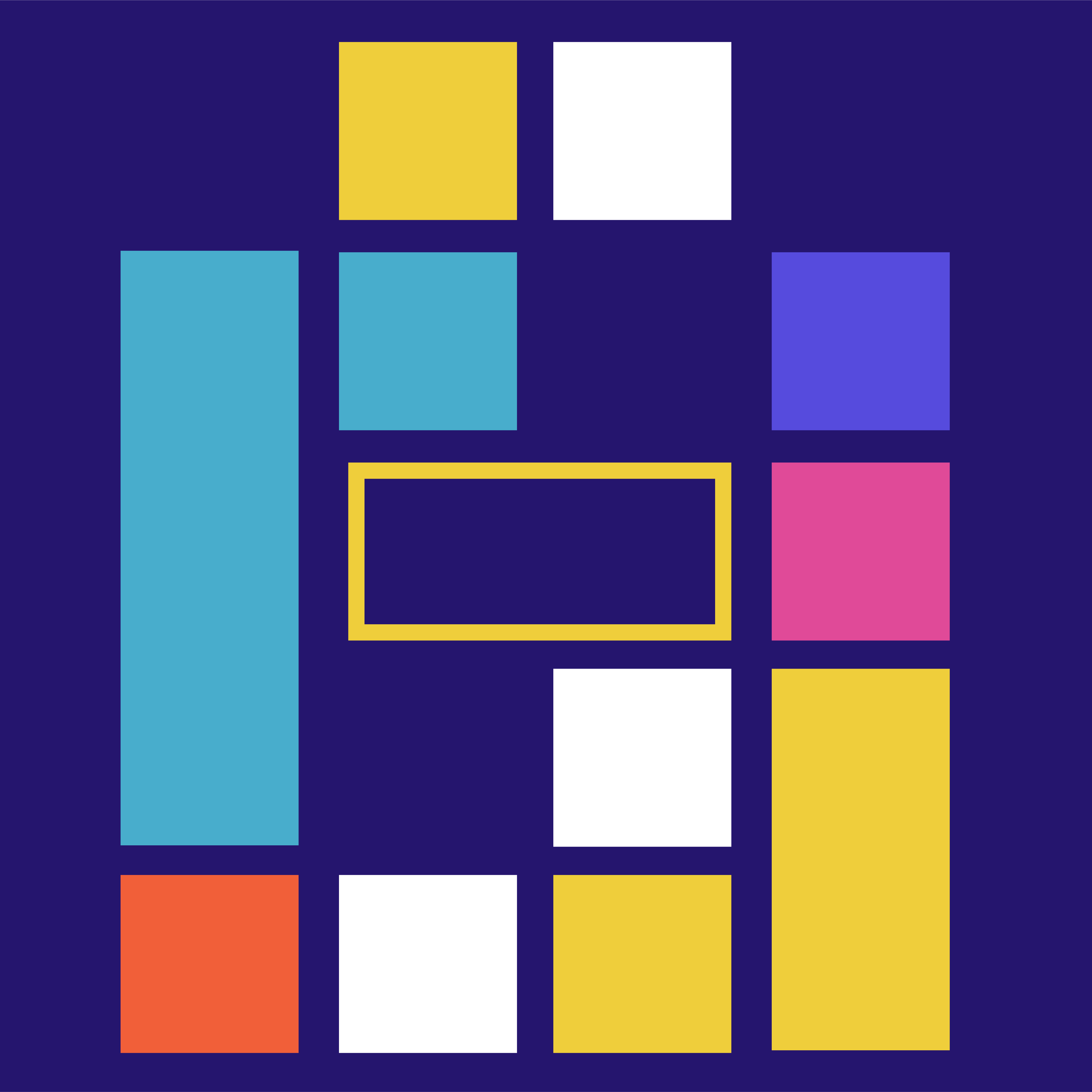
Focus.io style frame: a grid of pink, yellow, white and blue squares, some outlined, on dark blueFocus.io style frame: colored blocks arranged like a puzzle on dark blueFocus.io style frame: four squares in orange, white, yellow and blue on dark blueFocus.io style frame: “Keep only tools on your homescreen” on light blue, between two yellow arrowsFocus.io style frame: a search bar with a yellow cursor on a phone screen, on pinkFocus.io style frame: a search bar and colored blocks on a phone screen, on pinkFocus.io style frame: a search bar and colored squares on a phone screen, on pinkFocus.io style frame: “Use search to launch apps intentionally” on orangeFocus.io style frame: “You use your phone” on dark blueFocus.io style frame: two stylized eyes among geometric shapes on pinkFocus.io style frame: an eye looking at a pointed shape, captioned “not the other way around!”, on light blueFocus.io style frame: “A message from your friends at focus.io”
right arrow

Next project

Museum Milano